

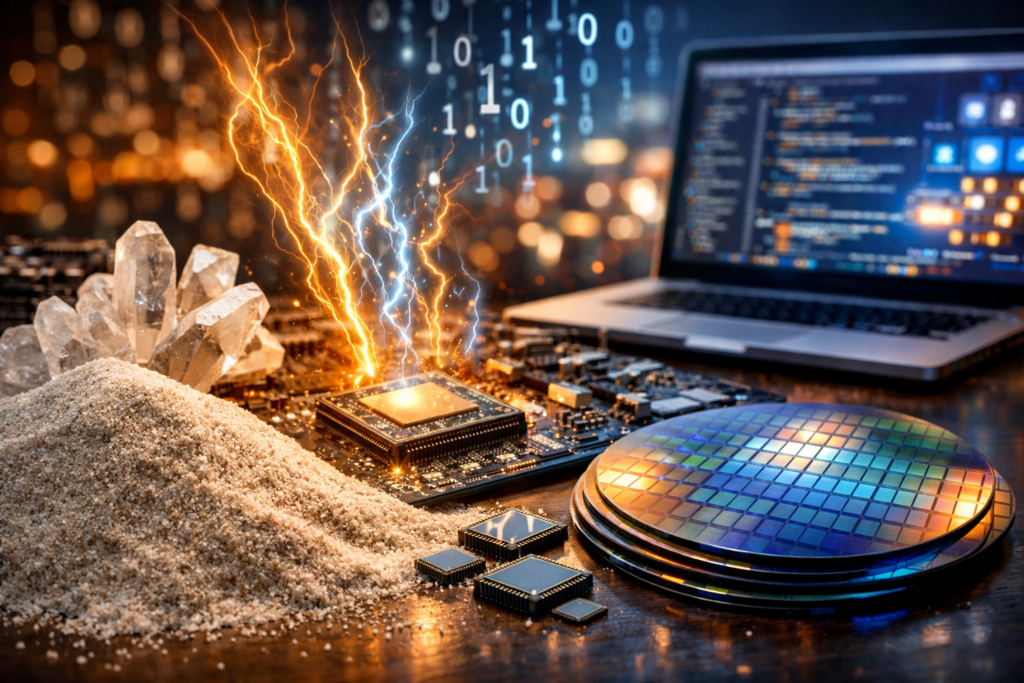
From Sand to Software: How Computers Turn Electricity into Everyday Magic
What a Computer Is (and Why It Matters)
A computer is a programmable device that accepts input, processes data according to stored instructions, produces output, and can store results for later use. While the word “computer” often brings to mind a laptop or desktop, the concept includes everything from tiny embedded controllers in appliances to massive cloud servers that power global services. What makes computers transformative is not a single component but the reliable collaboration of many parts—electronic hardware executing logical operations at high speed, and software translating human goals into precise steps.
The Building Blocks of Computer Hardware
Hardware is the physical foundation: circuits, chips, boards, and peripherals. Modern computers are built around integrated circuits—microscopic arrangements of transistors that act like incredibly fast switches. These switches form logic gates, which combine into more complex circuits capable of arithmetic, decision-making, and memory storage.
CPU: The General-Purpose Brain
The central processing unit (CPU) executes instructions one after another (and in modern designs, many at once through pipelining and multiple cores). It handles general tasks like running applications, managing the operating system, and coordinating with other components. Clock speed (GHz) influences how quickly cycles occur, but real performance also depends on core count, architecture, cache size, and how efficiently software uses the CPU.
Memory and Storage: Working Space vs. Long-Term Keeping
Two categories often confused are memory (RAM) and storage (SSD/HDD). RAM is fast, temporary working space used while programs run; it resets when power is off. Storage is persistent: solid-state drives (SSDs) provide fast access and durability, while hard disk drives (HDDs) offer larger capacity at lower cost but with moving parts and slower performance.
GPU: The Parallel Specialist
Graphics processing units (GPUs) excel at parallel workloads—doing many similar operations simultaneously. Originally designed for rendering images, GPUs now accelerate tasks such as video encoding, scientific simulations, and machine learning. Some computers use integrated graphics (built into the CPU), while others use discrete GPUs for higher performance.
Motherboard, Power, and Connectivity
The motherboard connects components through buses and controllers, allowing data to move between CPU, memory, storage, and peripherals. Power supplies convert wall electricity into stable DC voltages. Connectivity—Wi‑Fi, Ethernet, Bluetooth, USB, and Thunderbolt—determines how the computer communicates with networks and accessories.
Software: The Instructions That Give Hardware Purpose
Software is a layered system of instructions. At the base is firmware (like UEFI/BIOS) that initializes hardware. Above that is the operating system (OS)—Windows, macOS, Linux, ChromeOS, and others—which manages resources, schedules tasks, handles files, and provides security boundaries between applications. Applications sit on top, from web browsers and games to spreadsheets and creative tools.
How Programs Become Actions
Most software is written in high-level languages such as Python, Java, C#, or JavaScript. These languages are translated into machine code either ahead of time by a compiler or at runtime by an interpreter or just-in-time compilation. Regardless of the path, the end goal is the same: produce instructions the CPU can execute.
How Computers Process Information
At a fundamental level, computers use binary states—0s and 1s—to represent data and instructions. A text document becomes a sequence of encoded characters; an image becomes a grid of pixels with numeric color values; a song becomes samples representing sound pressure over time. The computer’s job is to move and transform these representations efficiently.
- Input: keyboard, touch, microphone, camera, sensors, network packets
- Processing: CPU/GPU computations, logic, and control flow
- Output: display, speakers, printer, network responses, actuator signals
- Storage: files, databases, cloud sync, backups
Major Types of Computers
Different needs produce different computer designs. The “best” computer is context-dependent: portability, performance, power efficiency, and cost trade off against one another.
Personal Computers (Desktops and Laptops)
Desktops prioritize upgradeability and sustained performance, often with better cooling and more ports. Laptops emphasize portability and battery life, integrating many components into a compact form. For everyday work—documents, browsing, streaming—either can be excellent with modest specifications.
Mobile and Edge Devices
Smartphones, tablets, and single-board computers are optimized for low power and always-on connectivity. Many tasks once reserved for PCs—navigation, photography, collaboration—are now routine on mobile hardware. Edge computing devices process data near where it is generated, reducing latency and bandwidth usage.
Servers and Cloud Computers
Servers are built for reliability, remote management, and continuous operation. In cloud environments, physical servers are abstracted into virtual machines and containers, allowing rapid scaling and flexible deployment. This model supports everything from streaming platforms to business analytics.
Supercomputers and Specialized Systems
Supercomputers use thousands of processors to solve problems like climate modeling and molecular simulation. Meanwhile, specialized chips—AI accelerators, network processors, and embedded microcontrollers—are tailored for specific workloads where efficiency and predictability matter more than general-purpose flexibility.
Choosing a Computer: Practical Considerations
When buying or upgrading, it helps to start with what you do most often. Specifications matter, but balanced systems matter more: a fast CPU paired with too little RAM or slow storage will still feel sluggish.
- Use case: office tasks, creative work, gaming, programming, data science
- RAM: enough to keep multiple apps and browser tabs responsive
- Storage: SSD for speed; add capacity for large media libraries
- Display and input: screen quality, keyboard comfort, trackpad/mouse preference
- Ports and expansion: external monitors, docks, SD readers, upgrade paths
- Battery and thermals: important for laptops and sustained workloads
Security, Maintenance, and Digital Hygiene
Computers are powerful precisely because they connect to networks and run complex software—traits that also increase risk. Good security is a habit, not a single product. Keep the OS and applications updated, use strong unique passwords with a password manager, enable multi-factor authentication, and maintain reliable backups (ideally following a 3-2-1 approach: three copies, two media types, one offsite). For longevity, manage storage space, avoid overheating, and be cautious with unknown downloads and links.
The Future of Computers
Computing continues to evolve along several fronts: more specialized processors for AI and media, wider adoption of cloud and edge architectures, and improved energy efficiency as demand grows. Emerging approaches—such as quantum computing for narrow classes of problems—may complement rather than replace classical machines. Yet the central idea remains steady: computers turn abstract instructions into real-world outcomes, helping people create, communicate, and solve problems at a scale that was once unimaginable.