

From Silicon to Software: How Computers Think, Work, and Shape Modern Life
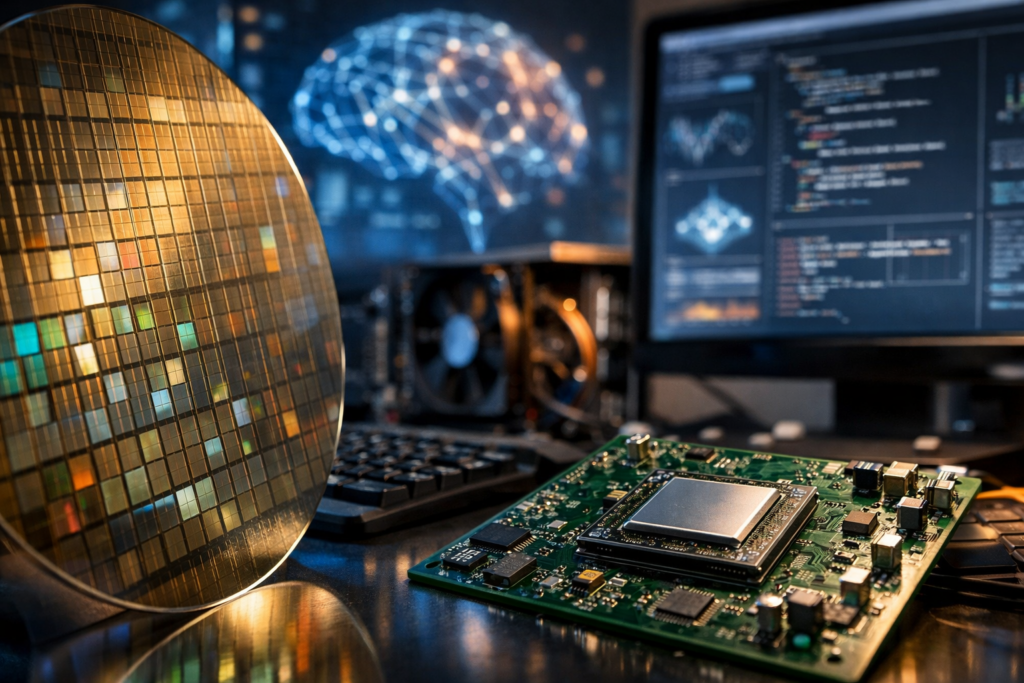
What a Computer Really Is
A computer is a programmable machine that accepts input, processes it according to a set of instructions, stores data, and produces output. While the term often brings to mind laptops or desktop PCs, computers also live invisibly inside cars, medical devices, routers, and industrial equipment. What makes them “computers” is not their shape, but their ability to execute instructions automatically and repeatedly, using logic and arithmetic at extremely high speed.
At the core of every computer is the same idea: represent information as bits (0s and 1s), manipulate those bits using electronic circuits, and organize the work so programs can solve real-world problems—calculating totals, rendering video, recognizing speech, or controlling a robot arm.
Core Building Blocks: Hardware and Software
Computers are best understood as a partnership between hardware (physical components) and software (the instructions). Hardware provides the capability; software decides what to do with it.
Key Hardware Components
- CPU (Central Processing Unit): Often called the “brain,” the CPU executes instructions, performs calculations, and coordinates other components. Modern CPUs contain multiple cores, allowing them to handle several tasks in parallel.
- Memory (RAM): Short-term working space where active programs and data are kept for fast access. More RAM generally improves multitasking and responsiveness.
- Storage (SSD/HDD): Long-term data retention. Solid-state drives (SSDs) are faster and more durable than hard disk drives (HDDs), which use spinning platters.
- Motherboard and Chipset: The main circuit board that connects components and manages data pathways between CPU, memory, storage, and peripherals.
- GPU (Graphics Processing Unit): Specialized for parallel workloads such as rendering graphics and accelerating AI computations. Many systems include integrated graphics or a discrete GPU card.
- Power Supply and Cooling: Provide stable electricity and remove heat. Heat management is critical because high temperatures reduce performance and lifespan.
- Input/Output Devices: Keyboards, mice, touchscreens, cameras, microphones, monitors, printers, and sensors translate between human/physical signals and digital data.
Essential Software Layers
- Operating System (OS): The central manager that allocates memory, schedules CPU time, controls devices, and provides a user interface. Examples include Windows, macOS, Linux, Android, and iOS.
- Applications: Programs that perform specific tasks—web browsers, spreadsheets, games, video editors, and design tools.
- Drivers and Firmware: Low-level software that helps the OS communicate with hardware. Firmware often lives on devices themselves and starts the system before the OS loads.
How Computers Process Information
Though modern systems are complex, the basic processing cycle is straightforward. A computer receives input (like a mouse click or sensor reading), stores and retrieves data from memory or storage, runs instructions, and generates output (a display update, a saved file, or a motor movement).
Inside the CPU, the process is traditionally described as a “fetch–decode–execute” cycle:
- Fetch: Retrieve the next instruction from memory.
- Decode: Interpret what the instruction means (for example, add two numbers or move data).
- Execute: Perform the operation and store the result.
Timing matters: CPUs rely on a clock signal that coordinates these steps billions of times per second. Meanwhile, caches—small, ultra-fast memory inside the CPU—reduce delays by keeping frequently used data close to the processor.
Types of Computers You Encounter Every Day
Computers vary widely in size, power, and purpose, but most fall into a few categories:
- Personal Computers (Desktops and Laptops): General-purpose machines designed for productivity, creativity, communication, and entertainment.
- Mobile Computers: Smartphones and tablets prioritize portability, battery efficiency, and integrated sensors like GPS and cameras.
- Servers: Systems built to provide services—websites, databases, file storage—to many users simultaneously. They emphasize reliability, scalability, and networking performance.
- Embedded Systems: Purpose-built computers inside appliances, vehicles, thermostats, and medical equipment. They often run a single dedicated program and may operate in real time.
- Supercomputers: Highly specialized machines optimized for massive parallel computation, used in weather prediction, scientific simulations, cryptography research, and large-scale AI training.
Networking and the Cloud: Computers Working Together
A single computer is powerful, but networks multiply that power by connecting systems to share data and resources. The internet is a global network of networks that allows your device to communicate with distant servers in milliseconds to seconds, depending on location and congestion.
Cloud computing extends this idea by providing on-demand access to computing resources—virtual machines, storage, databases, and AI tools—hosted in large data centers. Instead of buying a powerful workstation or maintaining your own server room, organizations can rent capacity and scale it up or down based on demand. For individuals, cloud services power webmail, streaming platforms, online backups, and collaborative documents.
Security, Privacy, and Reliability
As computers store sensitive information and run critical services, security is foundational. Threats range from malware and phishing to data breaches and ransomware. Good security combines technology and habits:
- Updates: Keep operating systems and apps patched to close vulnerabilities.
- Authentication: Use strong passwords, password managers, and multi-factor authentication.
- Backups: Maintain offline or cloud backups to recover from failures or attacks.
- Least privilege: Give users and applications only the access they need.
- Encryption: Protect data at rest and in transit so it remains unreadable to unauthorized parties.
Reliability is also a design goal. Modern computers use error-correcting techniques, redundant storage (like RAID in servers), and monitoring tools to detect failures early and reduce downtime.
Current Trends Shaping Computers
Artificial Intelligence Acceleration
AI workloads often require heavy parallel computation. This has driven growth in specialized hardware such as GPUs and dedicated neural processing units (NPUs), improving performance for tasks like image recognition, language processing, and real-time transcription.
Energy Efficiency and Sustainable Computing
Performance per watt is now a major metric, especially for mobile devices and data centers. More efficient chips, better cooling, and renewable-powered infrastructure reduce operating costs and environmental impact.
Edge Computing
Instead of sending every sensor reading to the cloud, edge computing processes data closer to where it is generated—on a factory floor, in a vehicle, or on a local gateway. This reduces latency, saves bandwidth, and can improve privacy.
Why Computers Matter
Computers are not just tools for specialists; they are infrastructure for modern society. They enable scientific discovery, remote education, telemedicine, global commerce, and creative expression. Understanding their basic components and how they process information helps you make better choices—whether you are buying a laptop, securing your accounts, learning to code, or designing systems that need to be fast, safe, and dependable.
From tiny embedded controllers to warehouse-scale cloud platforms, computers are ultimately about turning instructions into outcomes—reliably, repeatedly, and at a scale that keeps expanding.